
Listro How-To · 6 நிமிட வாசிப்பு
Invite Friends to Listro and Earn Credits (Plus Our Creator Programme)
Every Listro account has its own invite code. Share it, and you and your friend both earn credits as they get started. Creators and influencers can apply to earn in rupees instead. Here's how both work.
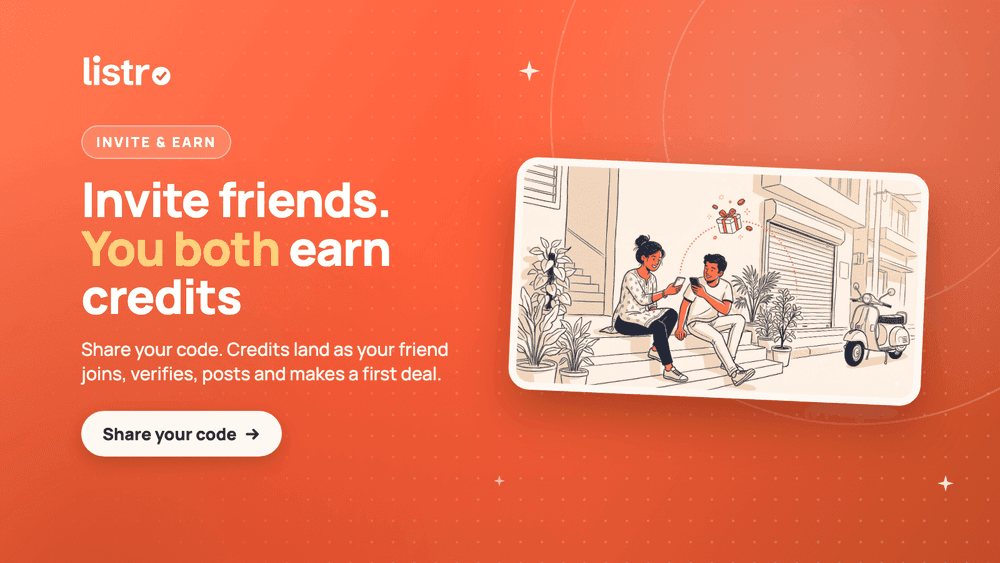
Listro works best when the people near you are on it too: more neighbours to buy from, and more buyers for the things you sell. So every account comes with its own invite code, and when a friend joins with it, you both get something back.
There are two kinds of invite:
- Friend invites are for everyone. Share your code and earn credits as your friend gets started.
- Creator invites are for creators and influencers with an audience. Apply, get a campaign code, and earn in rupees.
Part 1: Invite your friends
Find your code
Open My Referrals (Profile → My Referrals). You'll find:
- Your referral code, six letters and numbers, with a copy button.
- A QR code a friend can scan from your screen.
- A Share button that sends your personal invite link, listro.in/r/YOURCODE, to WhatsApp or any other app.
What your friend sees
When your friend taps your link on a phone, it takes them straight to the Listro app, or to the app store if they don't have it yet. The code goes with them, so they don't have to type it at signup. On a computer, they can sign up on the web, and the code still goes with them.
Forgot to use the link? Your friend can still add the code after signing up: My Referrals → Have a referral code? → Apply code.
What you both earn
Rewards come step by step as your friend gets going, not just once:
- Joins with your code
- Verifies their ID
- Posts their first ad
- Buys or sells for the first time
The What each friend earns you section on My Referrals shows exactly how many credits you and your friend get at each step. Listro sets the amounts, so check that page for the current numbers.
What credits are for
Credits go into your Listro wallet and never expire. When you pay for something on Listro, such as promoting a listing, you can use them to lower the price. Credits aren't cash: you can't buy them or withdraw them.
Track your friends
The Your friends list shows everyone who joined with your code, when they joined, every step they've reached and the credits each one earned you. To protect their privacy, each friend shows up as "A friend". You never see their names.
The fine print
- One referrer per account. Each person can use a code only once, and it can't be swapped later.
- No self-referrals. You can't use your own code, or the code of anyone who joined with yours.
- There's a limit. There's a cap on how many friends one code can earn rewards for. If your friend's link says it isn't valid, it may have expired or reached its limit. They can still join, just without the bonus.
- Paused, not lost. If the programme is ever paused, your code starts working again as soon as it's back.
Part 2: For creators and influencers
If you make content on Instagram, YouTube or Facebook, and your audience buys and sells things locally, the Listro creator programme pays you in rupees for the members you bring in.
How to apply
Apply at listro.in/creators/apply. The form asks for:
- your name, and the mobile number you'll sign in to Listro with (your creator earnings live on that account)
- your handle or channel, and the platform
- your audience size and city
- a line or two on how you'd promote Listro
A person reviews every application. We'll reply on WhatsApp or email within a few days.
Your campaign code
Approved creators get a campaign code and a Creator tab in My Referrals, next to your personal code. When someone joins with your code, they see that you invited them, and they earn credits too.
How you earn
You earn a fixed rupee amount for each person who reaches each step: joining, verifying their ID, posting their first ad and making their first deal. Your rates are agreed for your campaign and listed under What each step pays, next to what each new member gets. App installs are counted on your dashboard, but they don't pay. Only real sign-ups and the steps after them earn.
Your campaign details may also include:
- Dates for when the code is valid
- A sign-up limit and a budget. Some campaigns pause automatically when the budget runs out.
- A time window: steps count only if they happen within a set number of days after someone joins.
- A late-entry window: how long after signing up someone can still enter your code.
Your creator dashboard
The Creator tab shows how your code is doing:
- The funnel: installs, sign-ups, ID verified, first ad, first deal
- Your money: earned, paid and due
- Recent sign-ups, each with its status: pending, earned, paid or withheld
- Payouts, with the date, amount, method and reference
You see counts and earnings, never who joined. People who join with your code stay anonymous to you.
Getting paid
The Listro team makes payouts after a review that checks the sign-ups are genuine. Payouts go by UPI or bank transfer and show up in your Payouts list.
Some earnings can be withheld, and your dashboard always says why: the budget ran out, the step happened outside the time window, it wasn't approved in review, or it was reversed.
Tips for a post that works
- Show something real. List something of yours on camera, or walk through a deal you actually made.
- Say what viewers get. New members earn credits with your code. Tell them.
- Put the link where people tap. Use your bio, the video description or a pinned comment.
- Keep it local. "Selling near me" lands better than a generic pitch.
- Label it. Under ASCI's influencer guidelines, promotional content has to be clearly marked. Use #ad or your platform's paid-partnership label.
Frequently asked questions
Do credits expire? No. They stay in your wallet until you use them.
My friend signed up without my code. Is it too late? No. They can apply it later from My Referrals, once.
Can I change who referred me? No. The first code you use is the one that counts.
Can I be a creator and still invite friends? Yes. My Referrals has a Personal tab for your own code and a Creator tab for your campaign codes.
Will the people I invite see my details? No. Listro shows a personal code without your name or profile, and a creator code shows only its campaign name, never your account.
Ready to share? Open My Referrals and send your code to a friend. Create content? Apply to the creator programme.
இதைச் செயல்படுத்தத் தயாரா?
இரண்டு நிமிடங்களுக்குள் உங்கள் பொருளைப் பட்டியலிடுங்கள் — இலவசம்.


